Virtual Cinema
A downloadable game for Windows
What is this ?
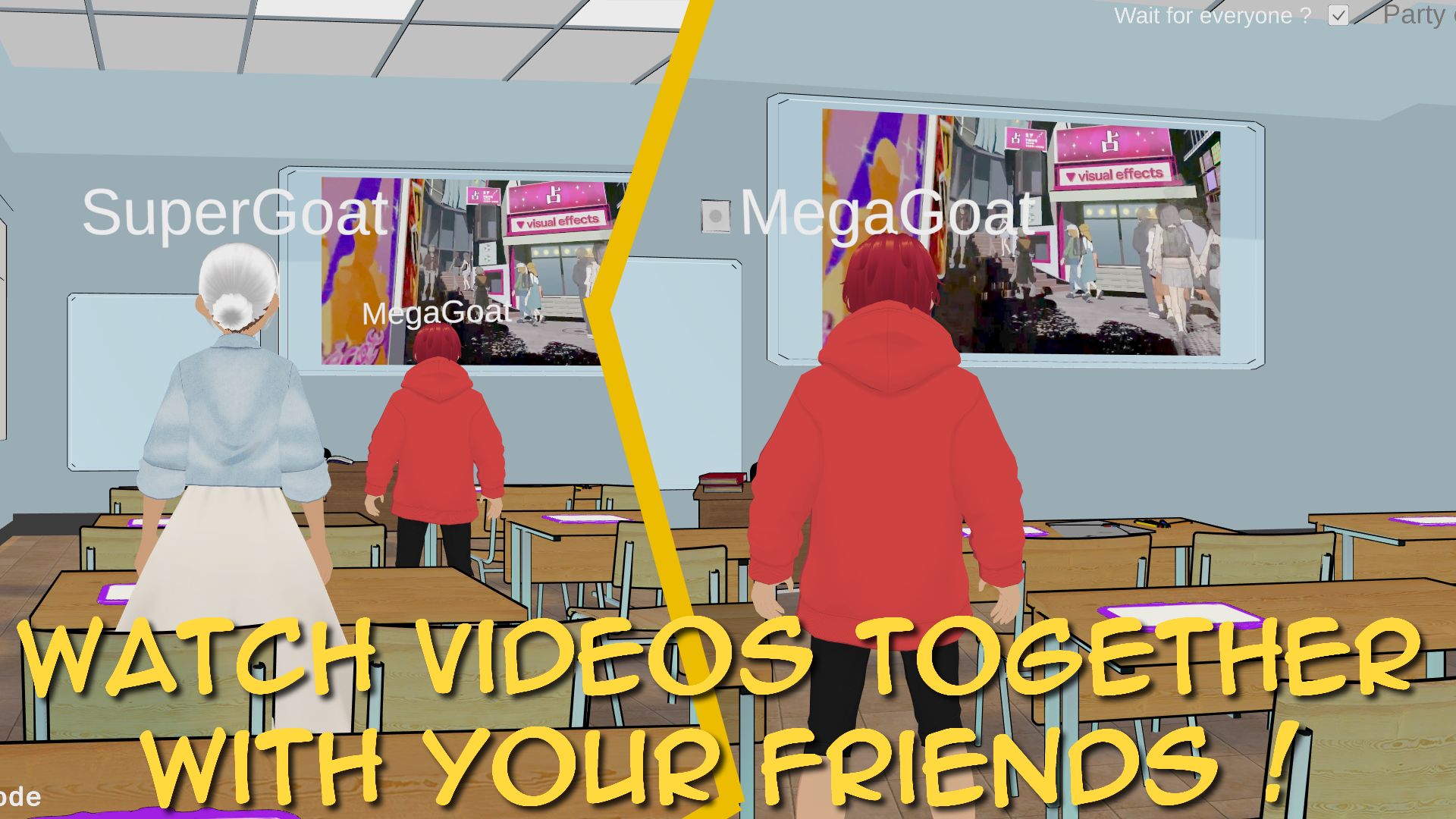
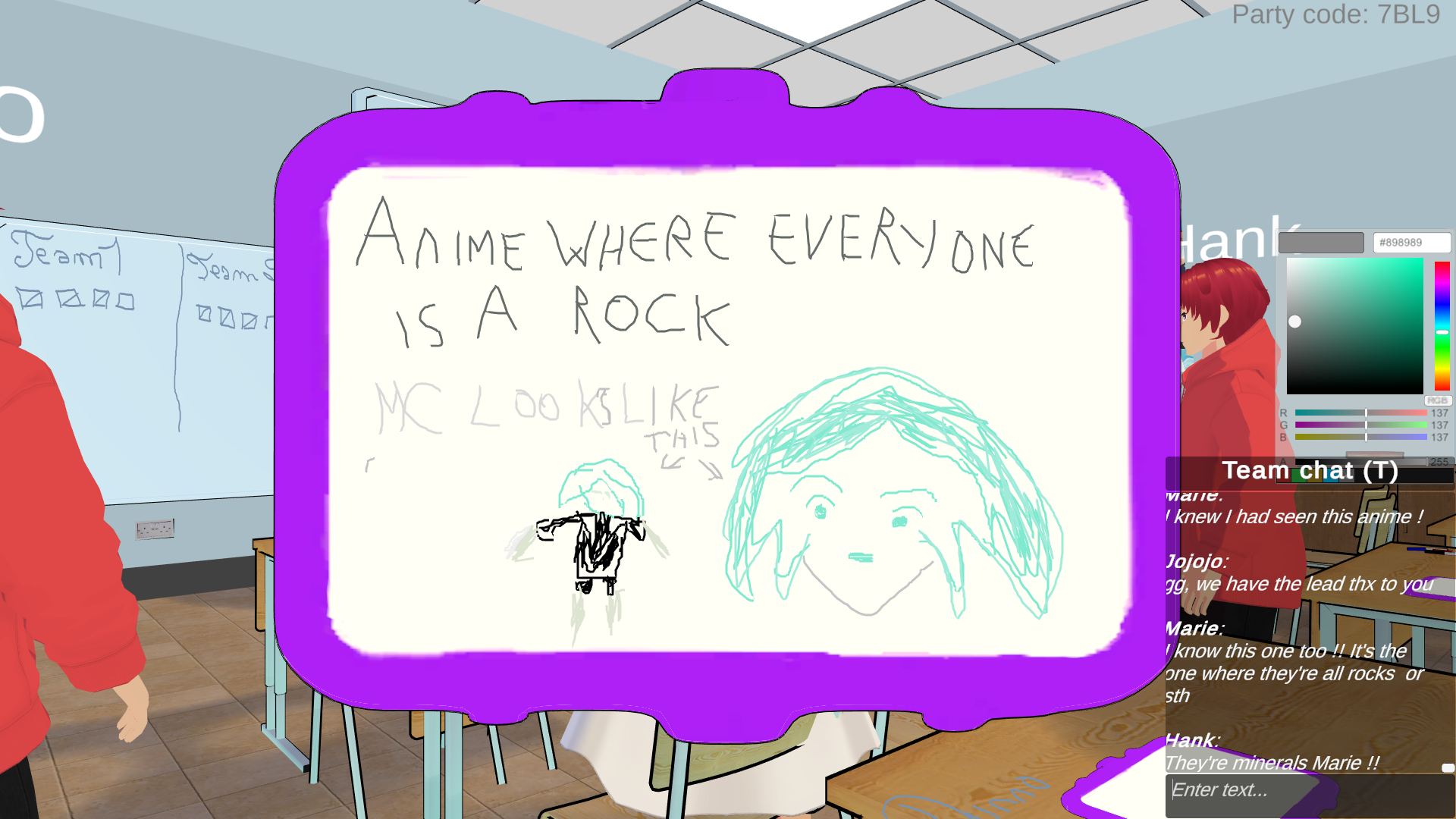
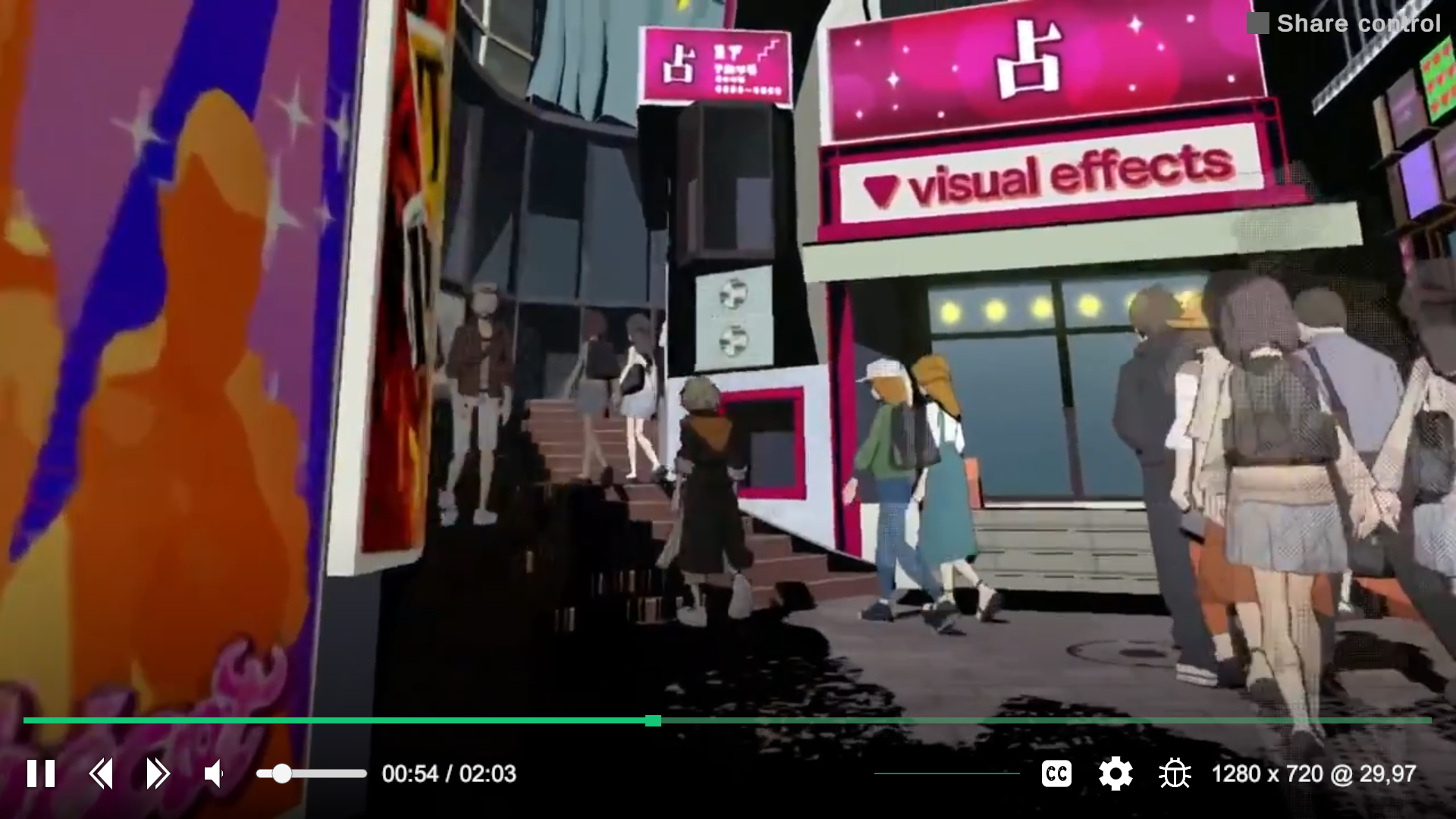
This is a sandbox app that's made for multiplayer media viewing. There's text and voice chat for communication. It allows you to watch videos with your friends. It also works with audio and images.
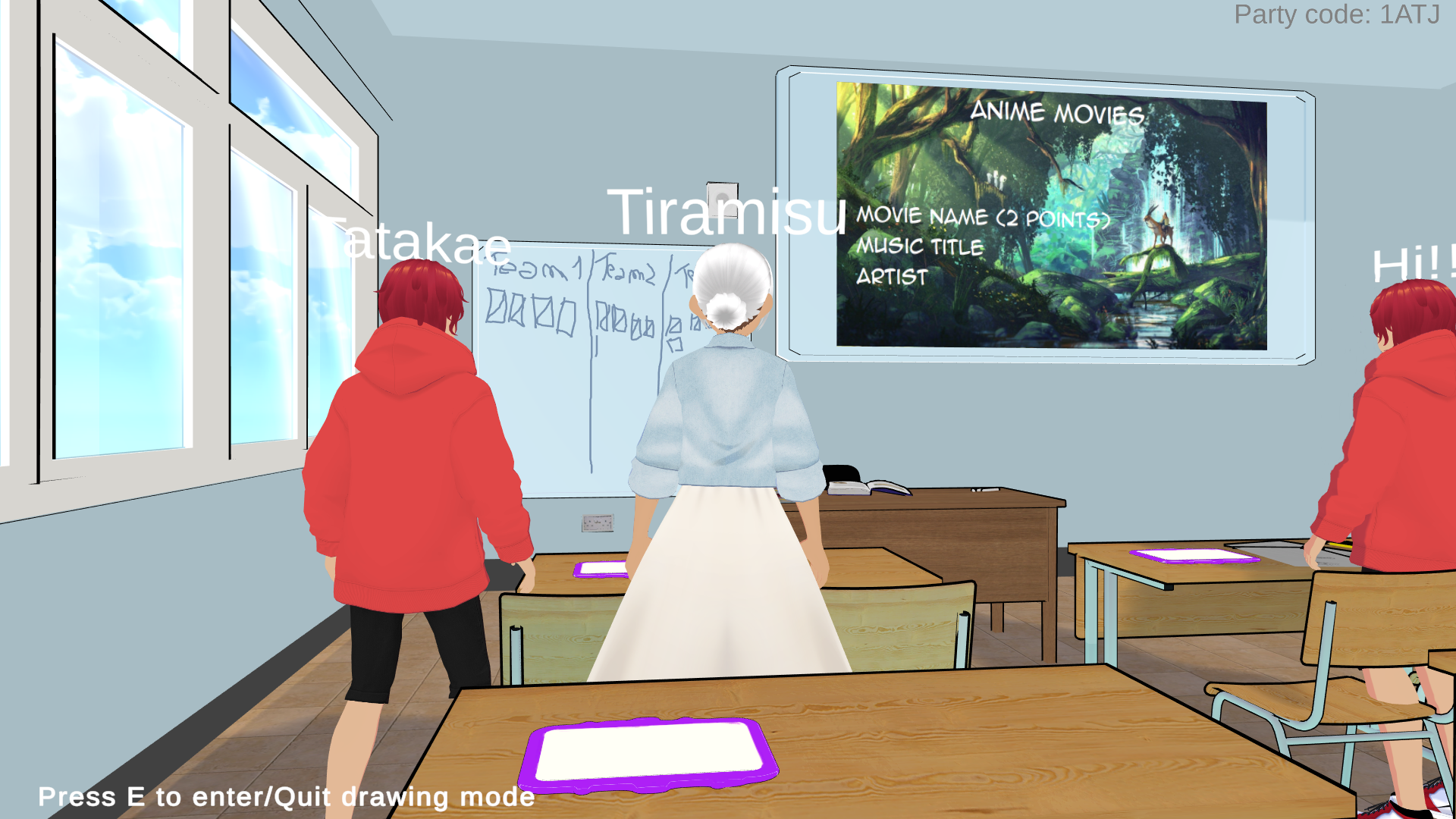
There are slates and a drawing board to draw or write (useful for the music quizzes for example). Note: you can erase what you draw by selecting the white color, the width or the pen will automatically increase to allow you to erase what was drawn easily.
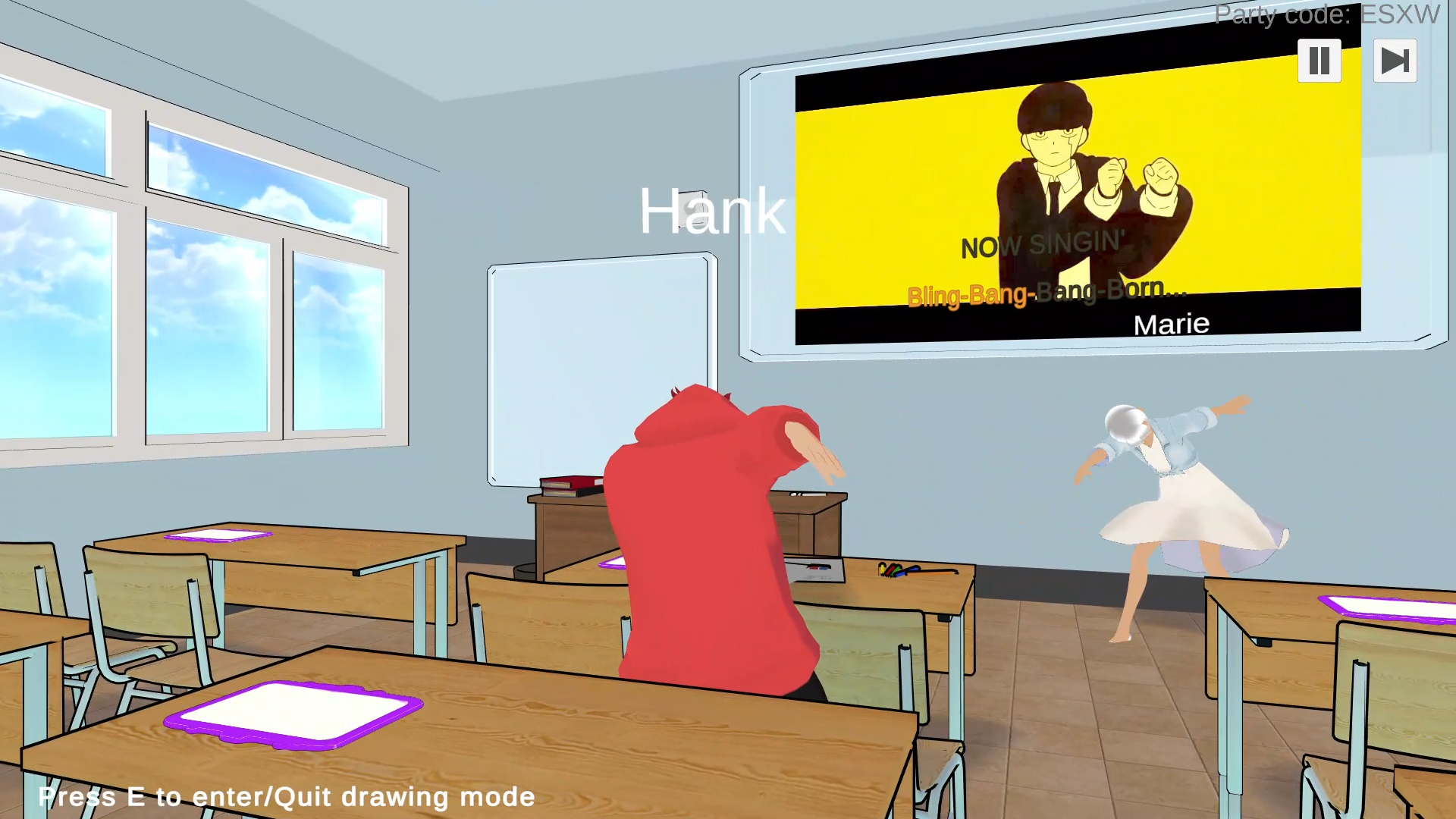
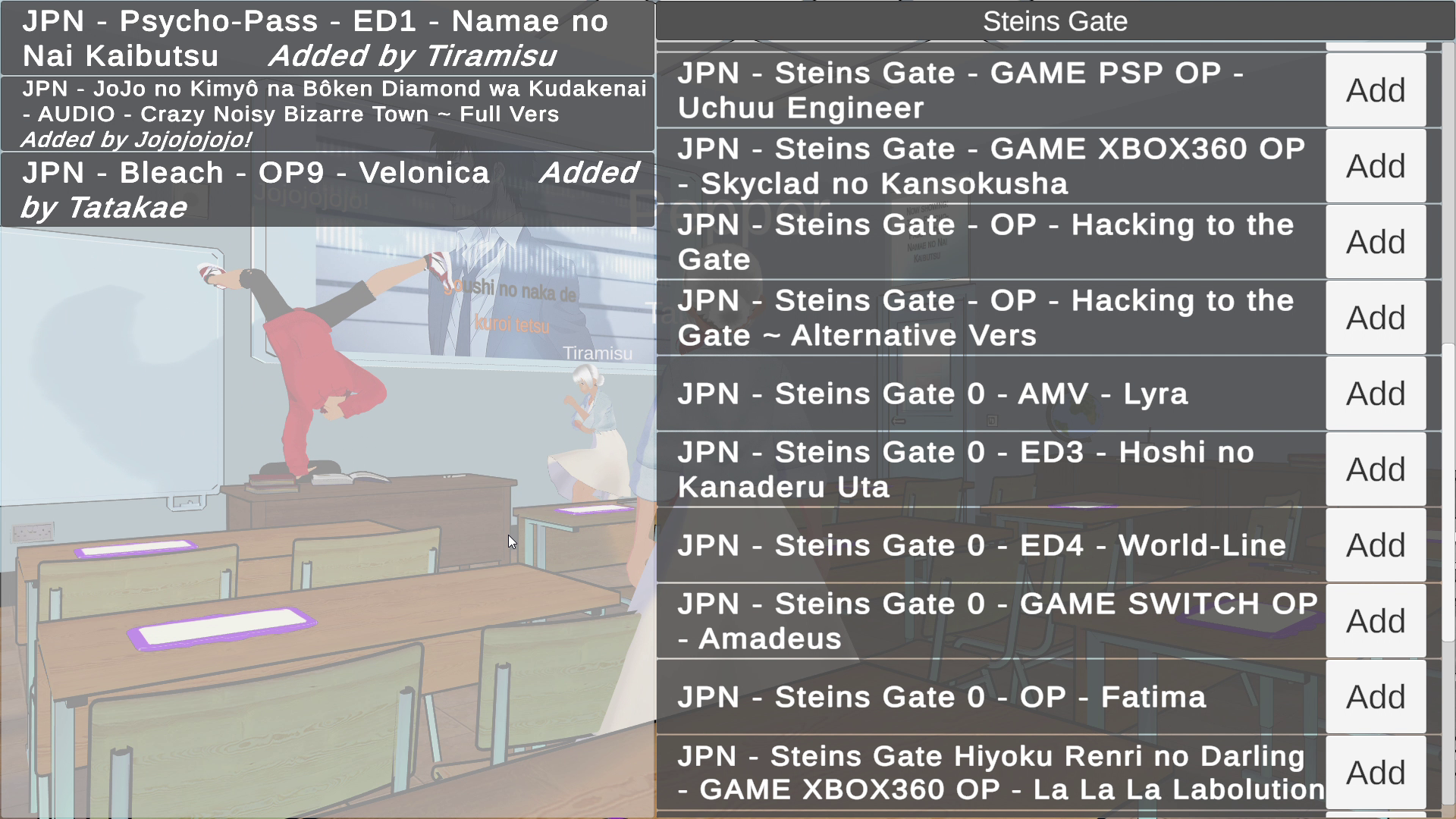
There is a karaoke mode where you can select karaokes that are taken from this base: https://kara.moe/ (awesome base, their work is truly amazing, they also have an dedicated app for local karaoke nights !)
For the multiplayer to work, you'll need a host who has one of their port forwarded.
Ideas of things to do with this application:
-Movie nights with your remote friends
-Music quizzes
-Karaoke (although there is going to be latency between players so singing together is inevitably going to be difficult/impossible)
-Anything for which you'd need to be able to draw and see some videos / image / listen to sound files
You can separate the players into several teams. In the same way there's a text chat and a voice chat for everyone, there's also a text chat and a voice chat that's limited to your team only (for discussing during quizzes for example).
How to use ?
If you're the host, you need to forward a port and then people will be able to join your party by typing a code.
The videos/sounds/images have to be stored on a Google Drive Folder. This folder needs to be "shared with anyone with the link". Or you need to create a service account and share it with it (there's a document explaining it with the build). By using the Id of the folder in the app, the files will be downloaded and played inside the application
Example of some drive folders:
One to watch some videos: Video folder
One for a music quiz: Music quiz folder
You can press Escape in the app to see the controls.
Some assets used:
Anime ace font (used on the cover): Anime Ace
Gif api used in the application (for example if you write !dance *nameofsomeone*) Nekos best
Skybox: Free stylized skybox
Unity Chan SSU: Unity-chan Sunny Side Up
Dynamic VRoid model loading: UniVRM
Mirror for networking: Mirror
Finally, if you have any question or suggestion or need any precision or explanation, don't hesitate to comment and I'll be sure to answer as soon as I see it ! Any feedback is welcome !
Hope you'll have fun !
Download
Install instructions
Download, unzip and run !
You can check the .pdf inside the zip file for more information !
Comments
Log in with itch.io to leave a comment.
Hello, one of Karaoke Mugen's developers here!
Thank you for the integration of our database in your application.
However, it seems that it is partially broken. (some videos are playing and some are not)
If you need help with the use of our api, don't hesitate to ask us on Discord: https://karaokes.moe/discord
Hello,
Really glad to see someone who worked on Karaoke Mugen stumble upon this and thank YOU for Karaoke Mugen ^^
I made a new version that should automatically update the media list to the database, using the api (well, it's only making a Get request to http://kara.moe/api/karas to obtain the full list so I don't know if that qualifies as "using the api" but that seems to work).
I didn't have any issue though (apart from the fact that the most recent songs were missing). If there are still problems on the new version, could you give me an example of a video that is not playing so that I could investigate ?
By the way, did you make sure to press the play button on the top right after adding songs to the database (I know that some people did not see that they had to use the top right menu to launch / continue the karaoke).
I also joined the Discord as you suggested.
Thanks again !